From daily work to interview-ready, in four steps
Work Captor doesn't ask you to change how you work — it just gives the work you're already doing somewhere organized to live, so it's ready the moment you need a resume, an interview answer, or your next job search.
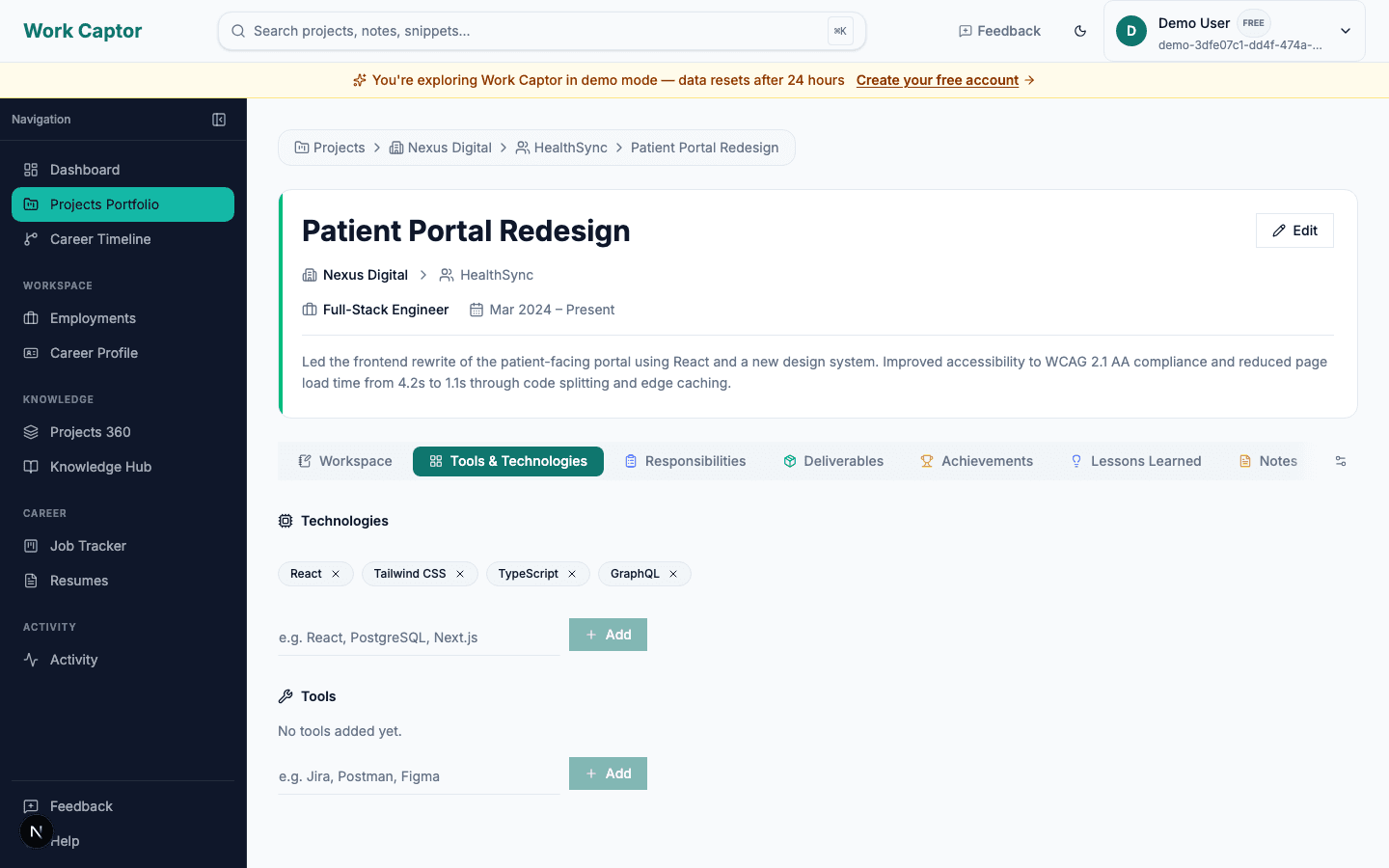
Log the work you're already doing
Add your employers and clients once, then capture achievements, deliverables, responsibilities, notes, and code snippets against each project as you go.
- Add employers and clients once, then attach projects to them
- Capture achievements, deliverables, responsibilities, notes, and snippets per project
- Takes seconds per entry — not an end-of-year scramble to remember what you did
It stays organized automatically
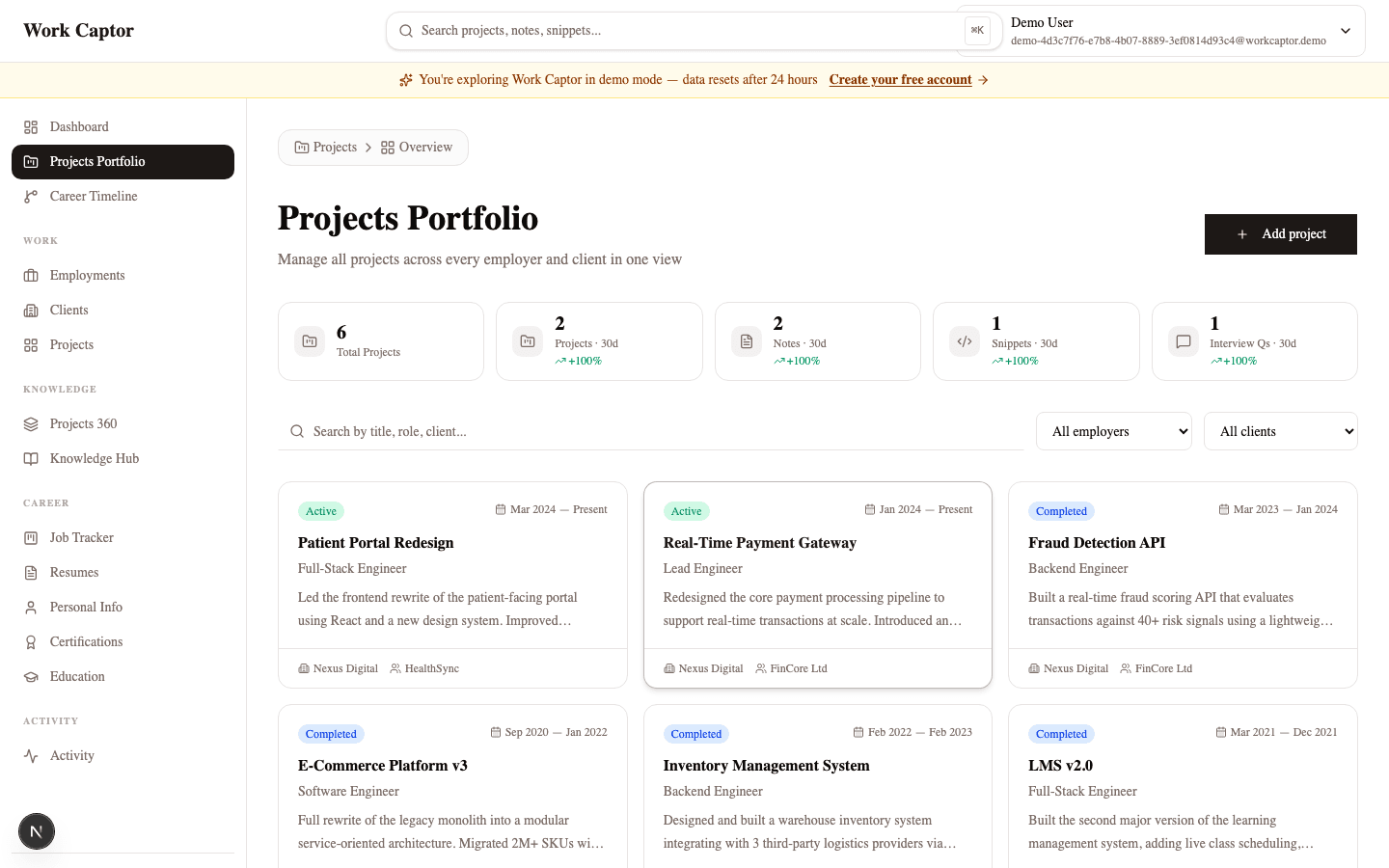
Everything you log is grouped by employer, client, and project — the same hierarchy as your real career — and searchable the moment you need to find it again.
- Every project lives under the client and employer it belongs to
- Global search finds any note, snippet, or project instantly
- Nothing gets scattered across a flat list or a separate doc
Turn it into a resume in minutes
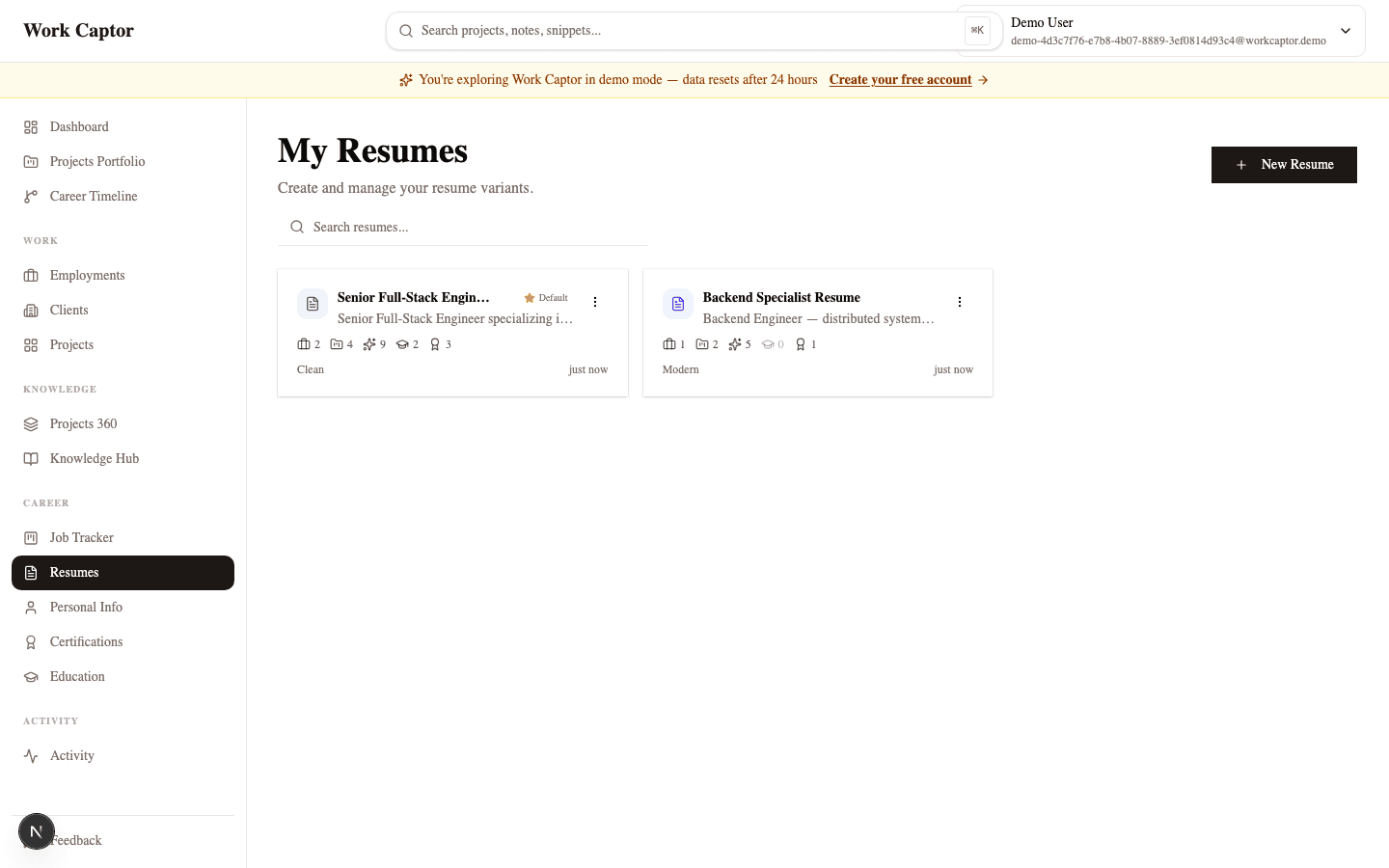
When you need a resume, pull directly from the history you've already built — no blank page, no retyping your career from memory.
- Pull directly from your tracked project history
- Pick exactly which achievements and projects to include per resume
- Export to PDF or print straight from the browser
Track your job search in one place
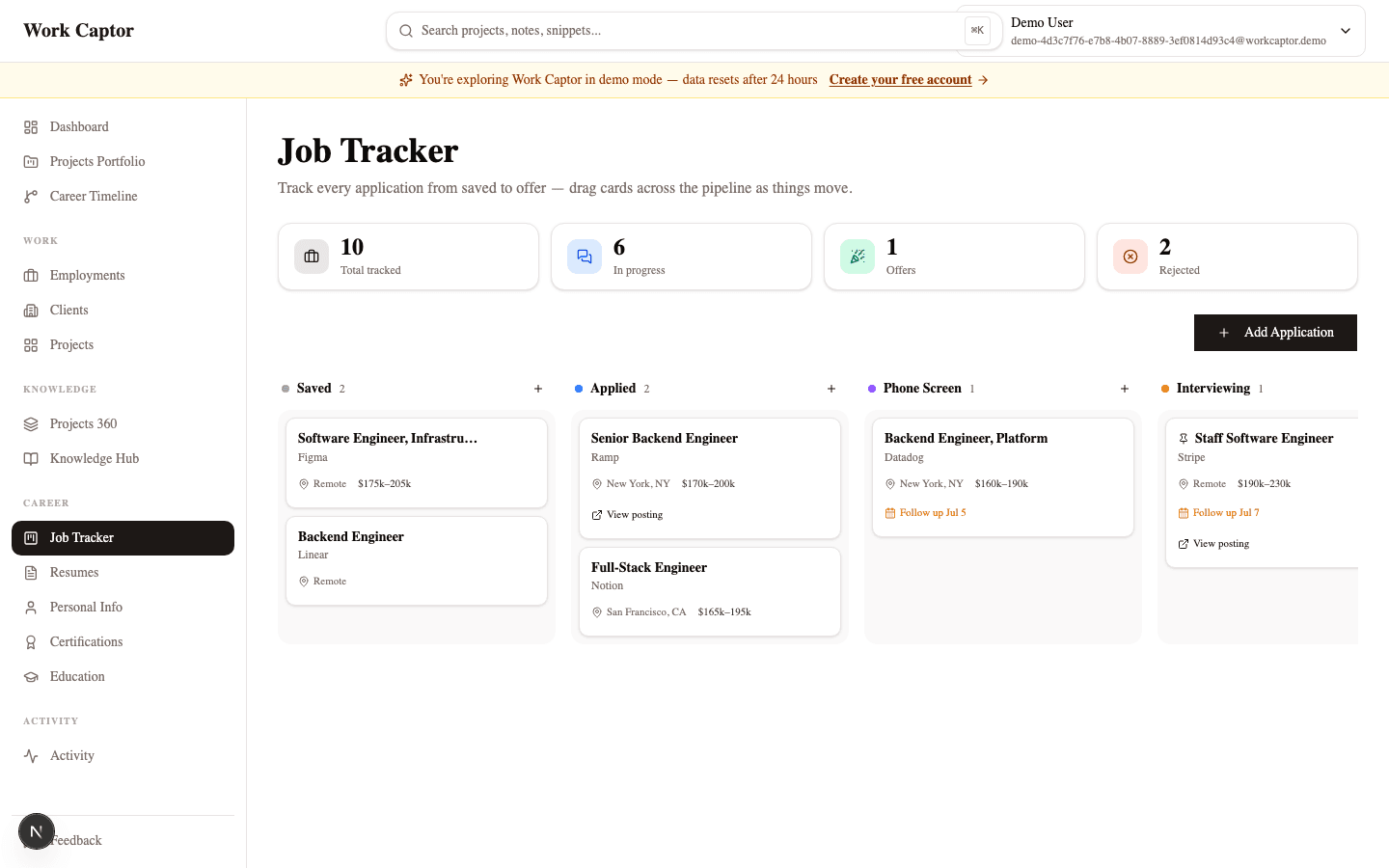
Run applications through a Kanban board from Saved to Offer, with interview questions pulled straight from the project experience each role is asking about.
- Kanban board from Saved through Offer — drag and drop to update status
- Follow-up reminders so nothing falls through the cracks
- Interview questions linked to the project experience each role is asking about
Ready to capture your career?
Join professionals who use Work Captor to document every project, ace every interview, and build resumes in minutes.
Free plan available · Upgrade anytime